
Discover the best WordPress popup plugins in 2026. Compare features, pricing, and ease of use to boost engagement, leads, and conversions.
Popups remain one of the easiest and most effective ways to improve your website’s performance. Whether you’re growing an email list, promoting a special offer, or nudging visitors to complete a purchase, the right popup can turn casual browsers into loyal subscribers and paying customers.
With WordPress powering over 43.5% of websites, it’s no surprise that there’s a huge selection of popup tools to choose from. The challenge is that not every plugin delivers the same results. Some are built mainly for sleek design, others emphasize smart targeting, and only a few manage to combine both for maximum conversions.
That’s why we created this guide. We’ve rounded up the best WordPress popup plugins for 2026, breaking down their features, strengths, and drawbacks so you can confidently choose the solution that fits your site and your goals.
What Are WordPress Popup Plugins?
At their simplest, WordPress popup plugins allow you to create small windows or messages that appear while someone is browsing your site.
You’ve likely seen them in action – a box inviting you to join a newsletter, a discount code flashing before checkout, or a gentle reminder about a limited-time offer.
The goal is simple: grab attention at the right moment and encourage visitors to take action.
More than attention-grabbers, these plugins can be powerful marketing tools. They help you connect with your audience, grow your email list, promote sales, or share important updates. When they’re used thoughtfully, popups enhance the user experience instead of interrupting it.
There are several popular popup formats, each designed with a different purpose in mind.
- Lightbox Popups appear in the center of the screen while dimming the background, pulling the user’s focus toward your message. They work especially well for email signups or high-priority offers.
- Exit-Intent Popups show up just as a visitor is about to leave. Many sites use them to offer a discount or free resource as a last effort to hold attention.
- Slide-In Popups glide in from the side or bottom of the page. They’re less disruptive, making them a good choice for sharing updates or promoting content without stopping the browsing experience.
- Floating Bars stick to the top or bottom of the screen as visitors scroll. These slim banners are perfect for site-wide announcements or quick calls to action.
- Full-Screen Overlays cover the entire page, ensuring your message can’t be missed. They’re effective for major campaigns or product launches but work best when used sparingly.
Understanding how each type works makes it easier to choose the right style for your website. The key is to pick a format that feels natural for your visitors and supports their journey, rather than distracting from it.
Benefits of Using WordPress Popup Plugins
Popups sometimes get a bad reputation because people often associate them with spammy or intrusive experiences – think of those sites where windows keep popping up every few seconds, blocking the content you came for.
In the past, many website owners overused them, showing irrelevant messages or interrupting visitors too often. That’s where the negative perception comes from.
But modern popup tools are a different story. Today’s solutions are smarter, more targeted, and designed to enhance the browsing experience rather than disrupt it.
Instead of blasting every visitor with the same message, you can carefully time and tailor what appears so it feels helpful and relevant.
Here’s how these tools can benefit your website when they’re used thoughtfully:
- Enhancing user engagement – Well-placed messages spotlight what matters most. Instead of hoping visitors find a discount, new post, or promotion on their own, you can guide them toward it at just the right moment.
- Boosting conversion rates – Sometimes all it takes is a gentle nudge. A reminder to complete a purchase, a limited-time coupon, or a free shipping offer can turn casual browsing into a decision to buy.
- Growing your audience through email capture – One of the most common uses is building your subscriber list. With features like exit-intent or timed triggers, you can present an opt-in form when someone is most likely to engage, helping you steadily grow your audience.
- Delivering personalized experiences – Modern solutions allow for behavior-based targeting. You can show one message to a first-time visitor, another to a returning reader, and something different for someone who has viewed a product page. This personalization makes your campaigns feel natural instead of pushy.
When you look at it this way, popups aren’t just attention-grabbers. They’re engagement tools that – used wisely – can add value for your visitors while driving meaningful results for your site.
Key Features to Look For in a WordPress Popup Plugin
With so many options out there, choosing the right tool isn’t just about picking the most popular name. The best choice is the one that fits your goals and gives you the flexibility to create campaigns that actually resonate with your audience. As you compare plugins, here are the core features worth paying attention to:
- Customization options – Every website has its own style, and your popups should feel like a natural extension of your design. Look for tools that let you adjust colors, fonts, layouts, and images, or provide pre-designed templates you can easily tweak. The more freedom you have, the easier it is to create campaigns that look professional and on-brand.
- Responsiveness – Visitors won’t always be on a desktop. In fact, more people now browse on mobile devices, which means your popups must adapt seamlessly to different screen sizes. A good plugin ensures your messages display clearly and function smoothly on phones, tablets, and computers alike.
- Targeting and triggering options – The real power of popups lies in timing and relevance. Modern plugins allow you to decide who sees your message and when – whether that’s after scrolling halfway down a page, spending a certain amount of time on-site, or preparing to exit. This kind of control keeps your campaigns from feeling random and makes them far more effective.
- Analytics and A/B testing capabilities – If you can’t measure it, you can’t improve it. A strong WordPress popup plugin provides insights into impressions, clicks, and conversions, and ideally includes A/B testing so you can compare different headlines, designs, or offers. This helps you refine your campaigns and steadily increase results.
- Support and integrations with other tools – Popups rarely work in isolation. You’ll want them connected to your email marketing service, CRM, or ecommerce platform so you can automatically follow up with leads and customers. Reliable support and regular updates are also important to ensure compatibility and smooth performance.
When a plugin checks all these boxes, it doesn’t just give you popups – it gives you a complete system for engaging visitors in a way that feels professional and strategic.
6 Best WordPress Popup Plugins
Many tools promise the same results, but not all of them deliver. Some are outdated and don’t integrate well with modern marketing platforms, while others lack the flexibility or support you’ll need as your site grows. That’s why it’s important to focus on plugins that have proven themselves in real-world use.
Using the key features above, we narrowed the list below to the best WordPress popup plugins of 2026 – ones that balance usability, performance, and value. Here are our top picks:
1. PopupAlly WordPress Popup Plugin
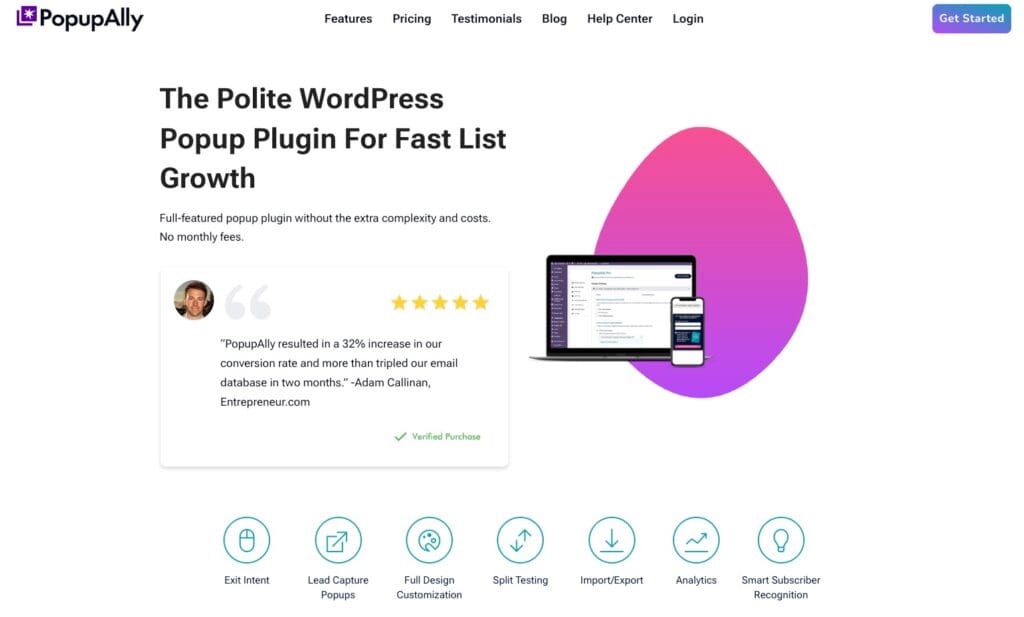
PopupAlly is a lightweight and user-friendly WordPress tool designed specifically for growing your email list. It focuses on creating elegant opt-in forms that blend into your site, making it a great option for bloggers, content creators, and small businesses who want to boost subscribers without dealing with overly complicated features.
Features
PopupAlly was designed with clarity and purpose. Instead of overwhelming you with dozens of campaign types, it provides a streamlined experience with opt-ins that work. Some of the key features include:
- Clean, mobile-friendly templates that look polished across devices
- Exit-intent technology to capture visitors before they leave
- Seamless integration with major email marketing platforms like Mailchimp, ConvertKit, AWeber, and more
- Customizable opt-in forms to match your site’s branding
- Lightweight design that won’t slow down your site
- Simple analytics to track sign-ups and performance
PopupAlly stands out for doing one thing very well: creating attractive opt-ins that help you build your list.
Performance
Because PopupAlly is lightweight, it doesn’t bog down your website or eat up hosting resources. Campaigns load quickly and run smoothly on desktop and mobile, which is key for keeping visitors engaged. If you care about site speed and SEO, this performance-first approach is a major plus.
Ease of Use
PopupAlly is a WordPress popup plugin built for beginners. The interface is intuitive, and you don’t need coding skills to get started. With a simple setup process and pre-built designs, you can launch a new opt-in in just a few minutes. The learning curve is minimal compared to more advanced popup builders, making it an excellent choice for anyone who values simplicity.
Pricing
PopupAlly offers a free version that includes essential features for basic opt-in campaigns. For more advanced options, PopupAlly Pro, which costs $49/year, unlocks expanded customization and integrations at an affordable price point compared to premium competitors. This makes it a budget-friendly solution for creators who want professional-looking forms without paying for extra features they won’t use.
🎯 Best For: Bloggers, small businesses, and WordPress site owners who want a straightforward way to grow their email list with attractive, mobile-ready forms.
2. OptinMonster WordPress Popup Plugin
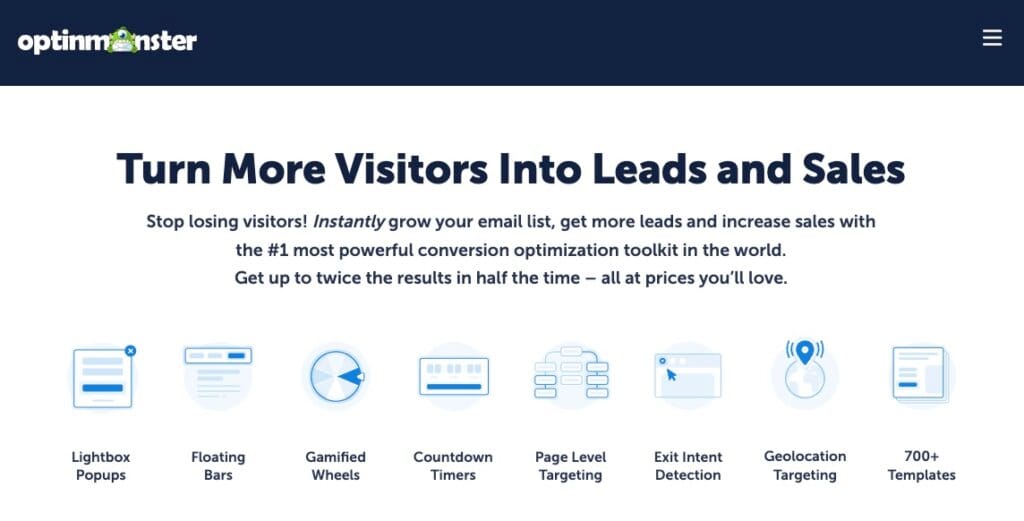
OptinMonster is one of the most popular lead generation tools and popup builders on the market. Trusted by bloggers, ecommerce businesses, and large organizations alike, it’s designed to turn casual website visitors into loyal subscribers and paying customers. With a wide range of campaign types and powerful targeting options, OptinMonster is built for anyone serious about boosting conversions
Features
OptinMonster stands out because of its sheer depth. It goes beyond basic popups to offer a full suite of lead generation campaigns and advanced targeting. Some of its most notable features include:
- Multiple campaign types: lightbox popups, floating bars, slide-ins, fullscreen welcome mats, countdown timers, coupon wheels, inline forms, and more
- Exit-intent technology to capture visitors just before they leave your site
- Advanced targeting: page-level, geo-location, device-based, on-site retargeting, and more
- Smart triggers: show messages based on scroll depth, inactivity, clicks, or time on page
- Dozens of professionally designed templates, fully customizable with a drag-and-drop builder
- Two-step opt-ins, Yes/No campaigns, and customizable success messages
- Integrations with all major email marketing tools, CRMs, and ecommerce platforms like WooCommerce and Shopify
Together, these features make OptinMonster a comprehensive WordPress popup plugin and lead capture tool.
Performance
OptinMonster is built as a SaaS (software-as-a-service) platform, which means it runs outside your WordPress hosting environment. Because it loads asynchronously, it won’t slow down your site or hurt SEO. Campaign stats are also stored on OptinMonster’s servers, giving you accurate analytics without bloating your database.
Ease of Use
Despite its advanced features, OptinMonster keeps the setup process accessible. You can build campaigns using its drag-and-drop editor, which allows you to adjust colors, fonts, backgrounds, and content without touching code. If you prefer, you can also choose from a wide library of pre-made templates to save time.
Pricing
OptinMonster starts at $7/month (billed annually), with plans scaling up to $49/month for advanced targeting, ecommerce features, and higher impressions.
Best For: Marketers, bloggers, and ecommerce store owners who want advanced features, reliable performance, and professional-looking campaigns that maximize conversions.
3. TrustPulse WordPress Popup Plugin

TrustPulse isn’t your traditional WordPress popup plugin. Instead of showing opt-in forms or promotions, it focuses on social proof notifications – small, real-time popups that display user activity on your site.
For example, you can show messages like “Anna from New York just signed up” or “12 people purchased this product today.” These subtle nudges build trust and encourage others to take action.
Features
TrustPulse works by connecting to your site activity and displaying it in sleek, non-intrusive notifications. Key features include:
- Real-time event tracking that shows recent purchases, signups, or activity on your site
- “On Fire” notifications that highlight how many people are taking action in a given timeframe (great for creating urgency)
- Smart targeting so messages appear to the right audience at the right time
- Easy customization of message text, colors, images, and display rules
- Works on all popular website platforms, including WordPress, Shopify, WooCommerce, and more
- Detailed analytics to track views and conversions from each notification campaign
While it doesn’t replace a full-featured popup builder, TrustPulse is powerful when layered with other marketing tools.
Performance
Because TrustPulse uses smart event tracking and lightweight notifications, it barely impacts site speed. The notifications load asynchronously and are optimized for both desktop and mobile, making them a performance-friendly option for websites where speed matters.
Ease of Use
TrustPulse is designed to be simple. Setup takes just a few minutes, and the dashboard walks you through creating campaigns step by step. You don’t need coding skills – just connect the plugin, set up your activity notifications, and customize the look to match your brand.
Pricing
TrustPulse WordPress popup plugin is priced at just $5/month (billed annually) for small sites, with plans up to $39/month for agencies and larger businesses.
Best For: ecommerce stores, membership sites, and service-based businesses that want to increase trust and conversions by showing real-time social proof.
4. Thrive Leads WordPress Popup Plugin
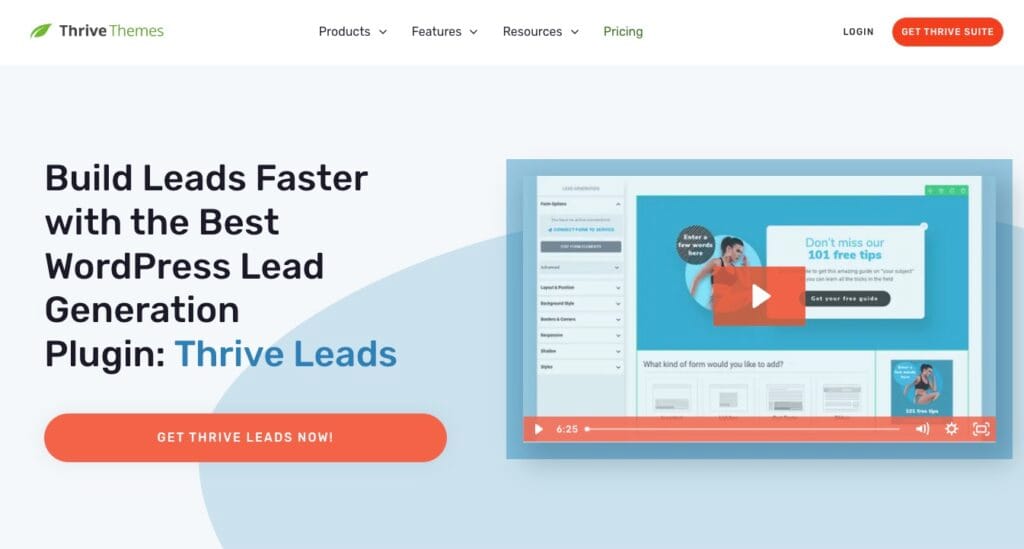
Thrive Leads is part of the Thrive Suite, a collection of tools built specifically for WordPress users who want to grow their audience and boost conversions. Unlike many standalone WordPress popup plugin, Thrive Leads is all about giving you data-driven control over your opt-in forms. It combines design flexibility with advanced testing and targeting so you can fine-tune every detail of your list-building strategy.
Features
Thrive Leads goes beyond basic opt-in popups by offering a wide range of form types and advanced testing options. Its standout features include:
- Multiple opt-in formats: lightbox popups, sticky ribbons, slide-ins, inline forms, and two-step opt-ins
- Built-in A/B testing for headlines, designs, and triggers, helping you discover what actually works with your audience
- SmartLinks technology to show different offers to new visitors vs. returning subscribers
- Advanced targeting rules based on post categories, tags, or even custom taxonomies – ideal for highly personalized offers
- Seamless integration with most major email marketing platforms
- Detailed reporting to track impressions, conversions, and test results inside your WordPress dashboard
Performance
Since Thrive Leads runs natively inside WordPress, you don’t rely on external SaaS servers. That means your data stays on your site and your stats are always accessible. While it may be slightly heavier than lightweight plugins, its caching options and performance settings help keep campaigns running smoothly without slowing down your pages.
Ease of Use
If you’re familiar with the Thrive visual editor, Thrive Leads feels natural. The drag-and-drop builder makes it easy to create forms, while the A/B testing tools are built directly into the workflow – so you can test variations without juggling extra software. The learning curve is a little steeper than simpler plugins, but the payoff is complete control and deep customization.
Pricing
Thrive Leads is included in the Thrive Suite, which costs $299/year (billed annually). The suite gives you access to all 9 Thrive plugins, including Thrive Architect and Quiz Builder, plus use on up to 5 sites with a 30-day money-back guarantee.
Best For: WordPress site owners who want powerful A/B testing, deep targeting, and advanced personalization features to optimize every step of their list-building.
5. Bloom WordPress Popup Plugin
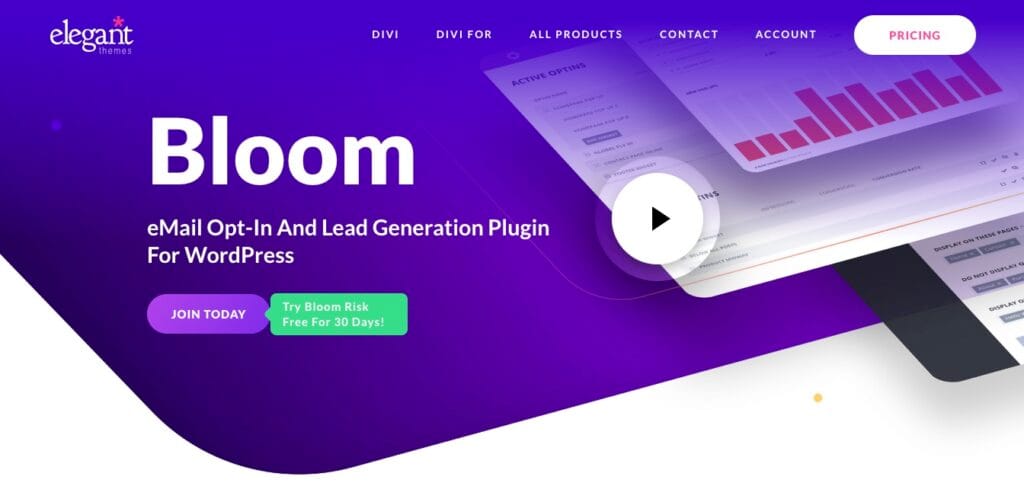
Bloom is created by Elegant Themes, the team behind the popular Divi theme and builder. It’s designed for WordPress users who want stylish, visually polished opt-in forms that integrate seamlessly with their site. While not as feature-packed as some competitors, Bloom’s real strength lies in its design quality and simplicity – making it a favorite WordPress popup plugin among bloggers, designers, and small business owners who care about aesthetics.
Features
Bloom emphasizes presentation, with a wide library of pre-made opt-in templates and attractive form types. Notable features include:
- Over 100 beautifully designed templates that can be customized to match your branding
- Multiple opt-in formats, including popups, fly-ins, inline forms, widget area forms, and content-locking opt-ins (great for gated content)
- Targeting options that let you display opt-ins on specific posts, pages, categories, or tags
- Triggers based on time delay, scroll percentage, or after commenting/purchasing
- Seamless integration with 16+ popular email marketing platforms, including Mailchimp, ConvertKit, and AWeber
- Built-in analytics to track conversion rates for each form
While it doesn’t offer advanced features like exit-intent or A/B testing, Bloom covers the essentials well – particularly for site owners who value style and flexibility.
Performance
Because Bloom is a WordPress plugin that runs locally, it relies on your site’s resources. While generally lightweight, the more forms you create, the more you’ll want to ensure your hosting can handle the load. Still, for most small- to medium-sized websites, Bloom performs reliably without noticeable slowdowns.
Ease of Use
Bloom is very approachable for beginners. The dashboard is clean and intuitive, and its large library of ready-made templates eliminates the need to design from scratch. Customizing forms is straightforward, and integration with email platforms is quick and painless. The overall experience is tailored for users who want professional results without a steep learning curve.
Pricing
Bloom is included with an Elegant Themes membership, starting at $89/year (or $249 lifetime). This plan also gives you access to Divi, Extra, and Monarch, with use on unlimited websites plus a 30-day money-back guarantee.
Best For: Designers, bloggers, and site owners who want visually polished opt-ins and access to Elegant Themes’ suite of tools.
6. Popup Builder WordPress Popup Plugin
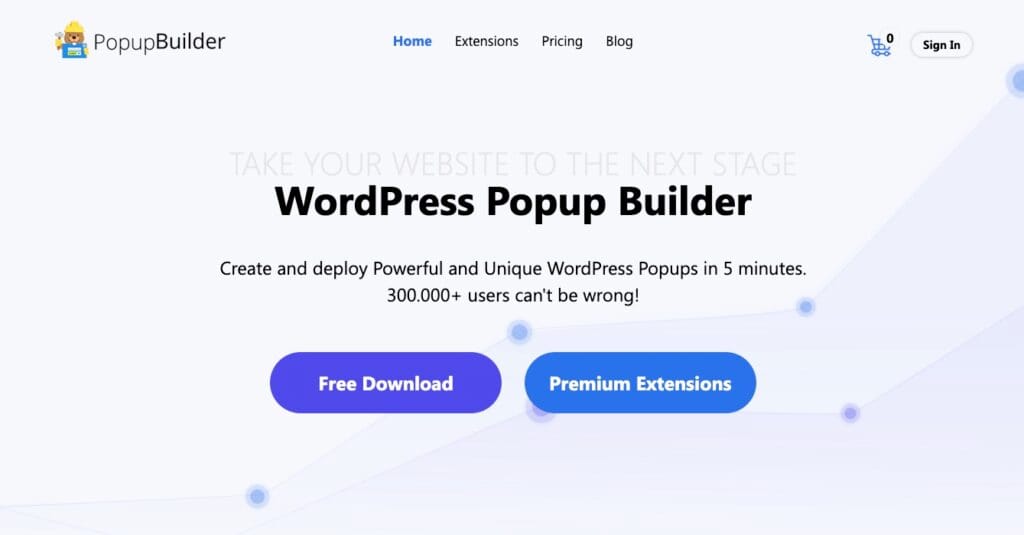
Popup Builder is a freemium WordPress popup plugin that gives site owners the flexibility to create and customize a wide variety of popup types directly from their dashboard. It’s especially appealing because of its modular approach: the core plugin is free, and you can extend its functionality by purchasing only the add-ons you need. This makes it a versatile option for users who want control without committing to an all-in-one premium suite.
Features
Popup Builder offers a solid mix of essentials in its free version, with more advanced tools available through extensions. Key features include:
- Core popup types such as image popups, HTML popups, subscription forms, and Facebook Like boxes
- Advanced popup types available as add-ons: video popups, WooCommerce product popups, age restriction, countdown timers, exit-intent, and more
- Flexible targeting and trigger options including on-click, on-hover, time delay, or page scroll
- Customizable animations and effects to help popups stand out
- Integration with major email marketing platforms via add-ons (Mailchimp, AWeber, GetResponse, etc.)
- Support for WooCommerce, making it possible to trigger product- or cart-based popups for online stores
- Detailed control over display rules, including user roles, specific pages, and logged-in status
This à la carte model means you can keep the plugin lightweight by only installing the features you actually need.
Performance
Because Popup Builder runs natively in WordPress, performance depends on how many add-ons you enable. The free core plugin is fairly light, but adding multiple extensions can increase load times. With proper optimization, most sites won’t notice significant slowdowns, though high-traffic stores should be mindful of stacking too many features.
Ease of Use
Popup Builder is user-friendly, with a clean interface and straightforward campaign setup. The drag-and-drop editor makes customizing popups easy, and the ability to choose specific triggers and rules keeps campaigns flexible. That said, managing multiple add-ons can make the dashboard feel busier over time.
Pricing
The base Popup Builder WordPress popup plugin is free and available in the WordPress.org repository. Premium add-ons can be purchased individually, starting at $49.95/year for 2 sites, with Business ($89.95/year for 10 sites) and Agency ($145.95/year for unlimited sites).
Best For: WordPress users who want a flexible, budget-friendly popup solution that can grow with their needs by adding only the features they’ll actually use.
How to Choose the Right WordPress Popup Plugin for Your Needs
After exploring some of the best WordPress popup plugins available in 2026, the next step is deciding which one is right for you. The truth is, there’s no single “best” option for everyone – what works perfectly for an ecommerce store may not suit a blogger or a small business site. Instead, the key is to match the plugin’s strengths with your own goals and resources. Here’s how to narrow it down:
- Determine your goals – Start by clarifying what you want to achieve. Are you trying to grow your email list, reduce cart abandonment, promote special offers, or simply boost engagement on your site? Knowing your primary objective will immediately filter which plugins are worth your attention.
- Assess the features you need – Once your goals are clear, look at the specific functionality each plugin offers. For example, if A/B testing and personalization are must-haves, a tool like Thrive Leads might be ideal. If you only need clean, simple opt-in forms, a lighter option like PopupAlly may serve you better.
- Consider your budget and scalability – Pricing varies widely, from free tools with limited features to robust SaaS platforms with monthly fees. Think about what you can afford now and how the plugin will grow with you. Will you need advanced targeting or WooCommerce integration later? Choose a solution that won’t box you in as your site expands.
- Test and refine – Even the most promising plugin will take some trial and error. Many tools offer free versions or demos, so don’t hesitate to experiment. Test different triggers, designs, and placements to see what resonates with your audience. Popups work best when they’re adapted to your specific visitors, not just copied from a template.
When you approach your choice with clear goals, feature awareness, and a willingness to test, you’ll find the plugin that fits your website – not the other way around.
Conclusion: Which Is the Best WordPress Popup Plugin?
When comparing ease of use, features, and overall value, PopupAlly emerges as a strong WordPress popup plugin choice for 2026 It’s lightweight, beginner-friendly, and built with a clear purpose: helping site owners grow their email lists through elegant, mobile-ready forms.
While other tools like OptinMonster, Thrive Leads, and Bloom bring their own advantages – especially for advanced targeting or ecommerce – PopupAlly shines for users who want a plugin that’s simple, reliable, and effective right out of the box.
The best plugin will always depend on your specific goals, but if building an engaged subscriber list with minimal setup is at the top of your priorities, you should get PopupAlly.
Now we’d love to hear from you: Which plugin are you using, or planning to try? Share your thoughts in the comments – we’re excited to see what’s working for you.
